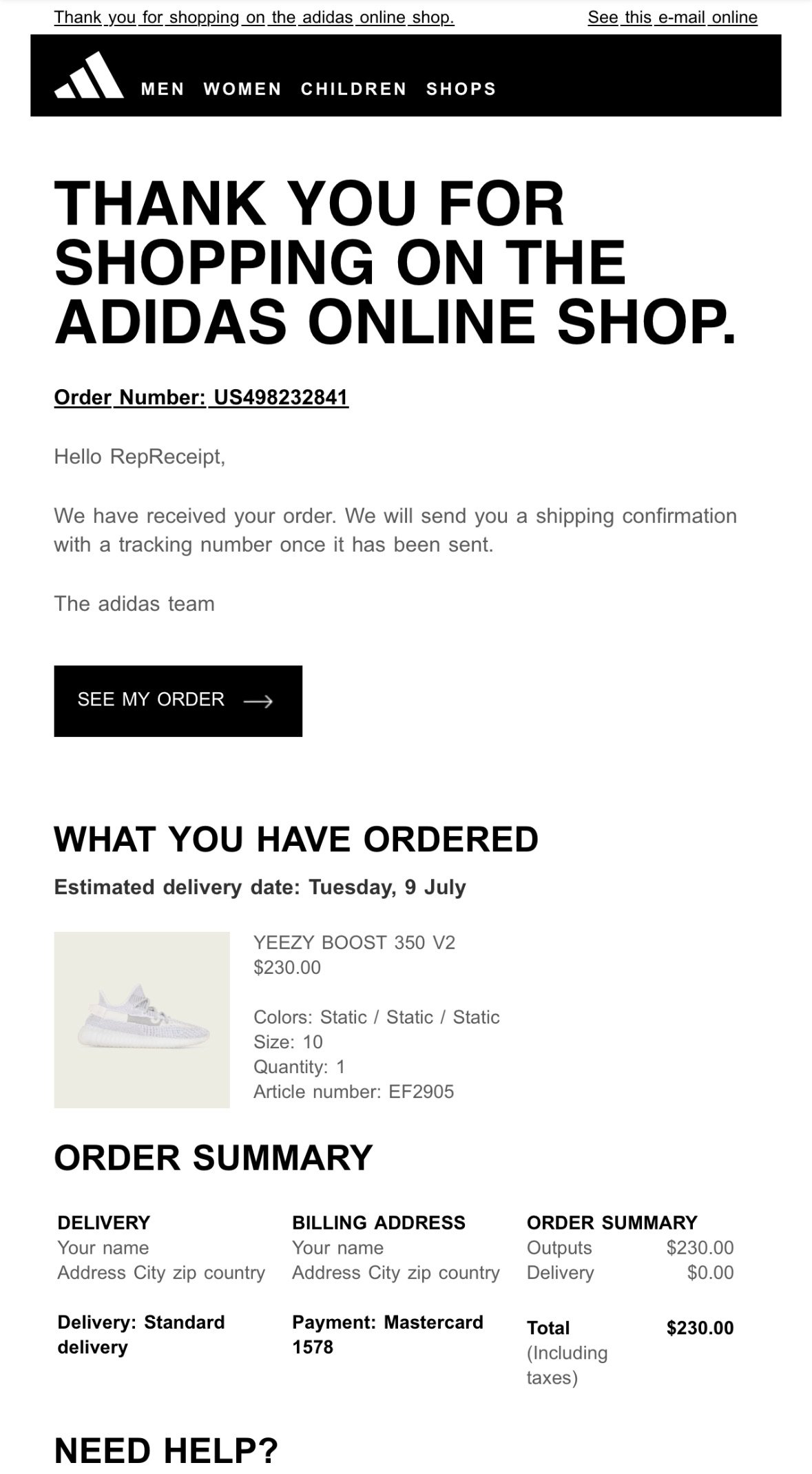
Saks Fifth avenue Email
Please fill-in the form carefully, once your email receipt is sent to your email address, you can’t change it.
-
When you created your RepReceipt account, you specified an e-mail address. This is the address that will be able to receive the receipt, as it has been credited with a receipt and will be accepted by the system when you submit the form.
This is the e-mail address to which you received your payment confirmation.
You cannot send a receipt to an e-mail address other than the one you have credited.
-
You've chosen the Saks Fifth Avenue template, now you can fill in the form with the information you'd like to see on your receipt. Make sure you fill in the form with the right information, because once it's sent, you'll have used up your credit. Use the formats in the examples for best results.
If you're not sure how to do this, try our test receipt and watch our tutorial video.
-
On a Computer:
Right-click on the image you want to copy.
From the context menu, select "Copy image address" or "Copy image URL" (depending on your browser).
The image URL is now copied to your clipboard. You can paste it into the address bar of your browser to view the image in full size.
On a Mobile Device:
Tap and hold on the image you want to copy.
A menu will appear. Select "Copy URL" or "Copy image address" (the option may vary depending on your browser).
The image URL is now copied to your clipboard. You can paste it into your browser's address bar to see the image in full size.
For some receipts, we've included image URL examples
-
On a Computer:
Click on the address bar at the top of your browser (where the URL is displayed).
The entire URL will be highlighted. If not, you can manually select the full address.
Right-click on the highlighted URL and select "Copy" from the context menu, or press Ctrl + C (Windows) or Cmd + C (Mac) to copy the URL.
You can now paste the copied URL wherever you need it.
On a Mobile Device:
Tap on the address bar at the top of your browser.
The URL will be highlighted. If it isn’t, just tap and hold to select it.
In some browsers, a "Copy" option will appear directly. If not, tap "Copy" from the menu that pops up after selecting the URL.
The URL is now copied to your clipboard, and you can paste it wherever needed.
-
It's highly likely that your receipt will end up in your spam folder. Always check your spam folder before contacting us.
Be careful to use your RepReceipt’s account email address that has been credited. No other email than this one will be able to receive receipts.
Remove the Night (Dark) mode on your device to get a better result on your email. Night (Dark) mode alters email quality, even on the original receipt.
We strongly advise you to try out the test generator before making your final receipt and watch the tutorial video.
FILL IN THE FORM BELOW